grandMA3 User Manual Publication
Fixture Types Editor
|
grandMA3 User Manual » Fixture Types » Fixture Types Editor
|
Version 2.3
|
With the fixture types editor, you can build new fixture types and modify existing ones.
To access the editor:
- Press Menu and tap Patch. The patch menu opens.
- Tap Fixture Types on the left side of the window:
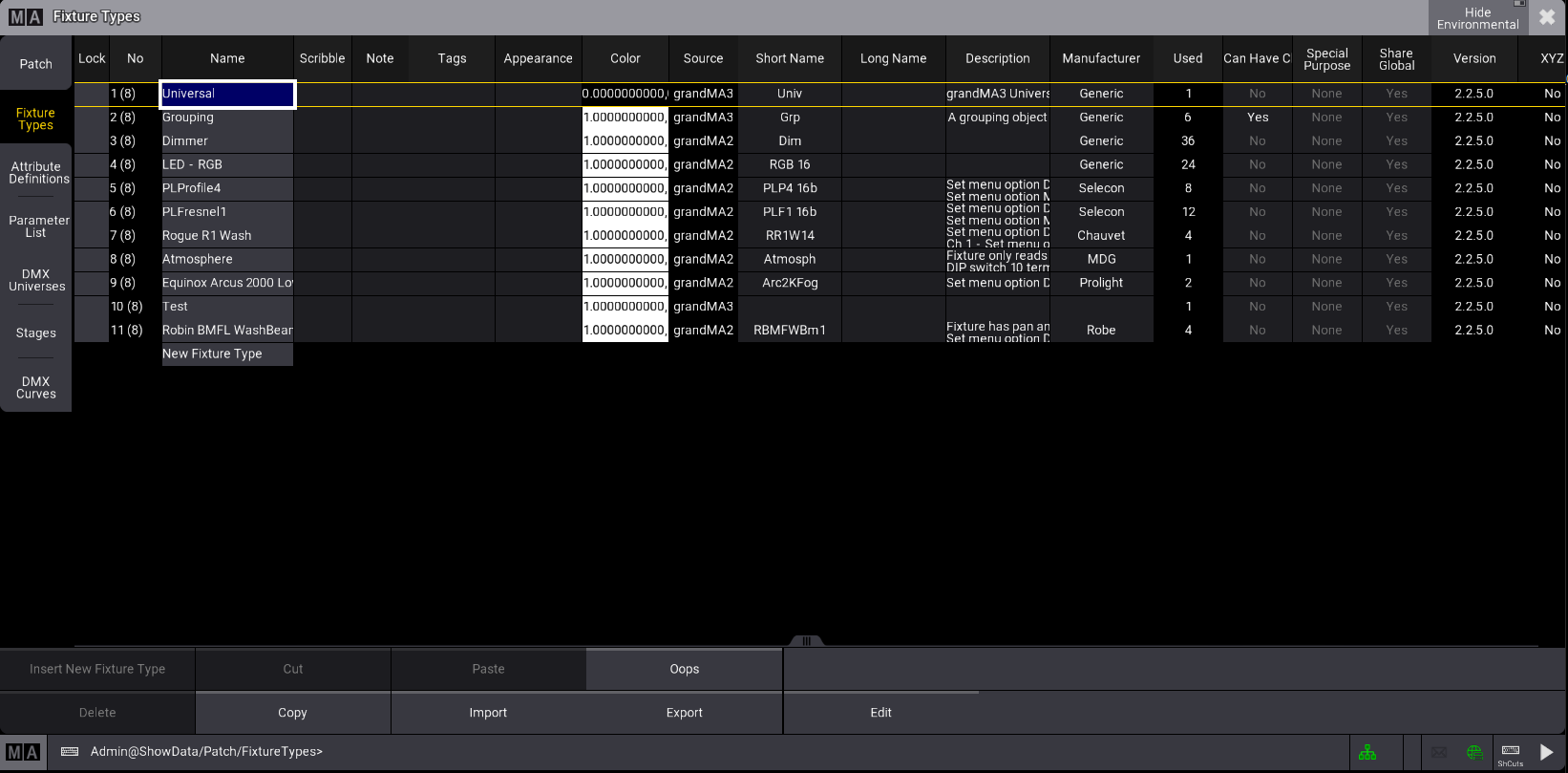
Fixture type menu
To edit an existing fixture type, follow the steps below:
- Import some fixtures. See Import Fixture Types.
- Select the fixture type you want to edit and tap Edit at the bottom of the window. The Fixture type editor opens:
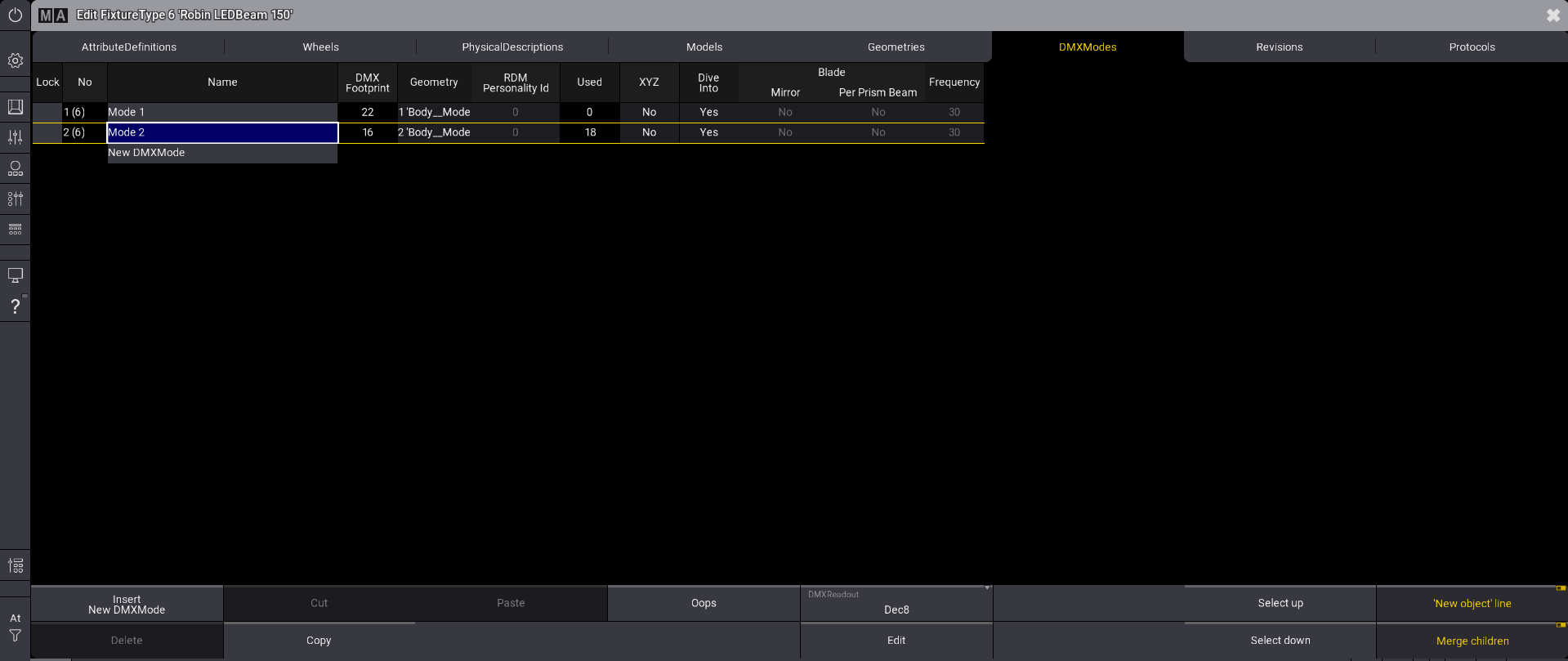
Fixture type editor
- Tap DMXModes at the top of the window.
- Select the fixture type mode you want to edit and tap Edit at the bottom of the window. The editor displays the DMXChanels for the selected fixture type.
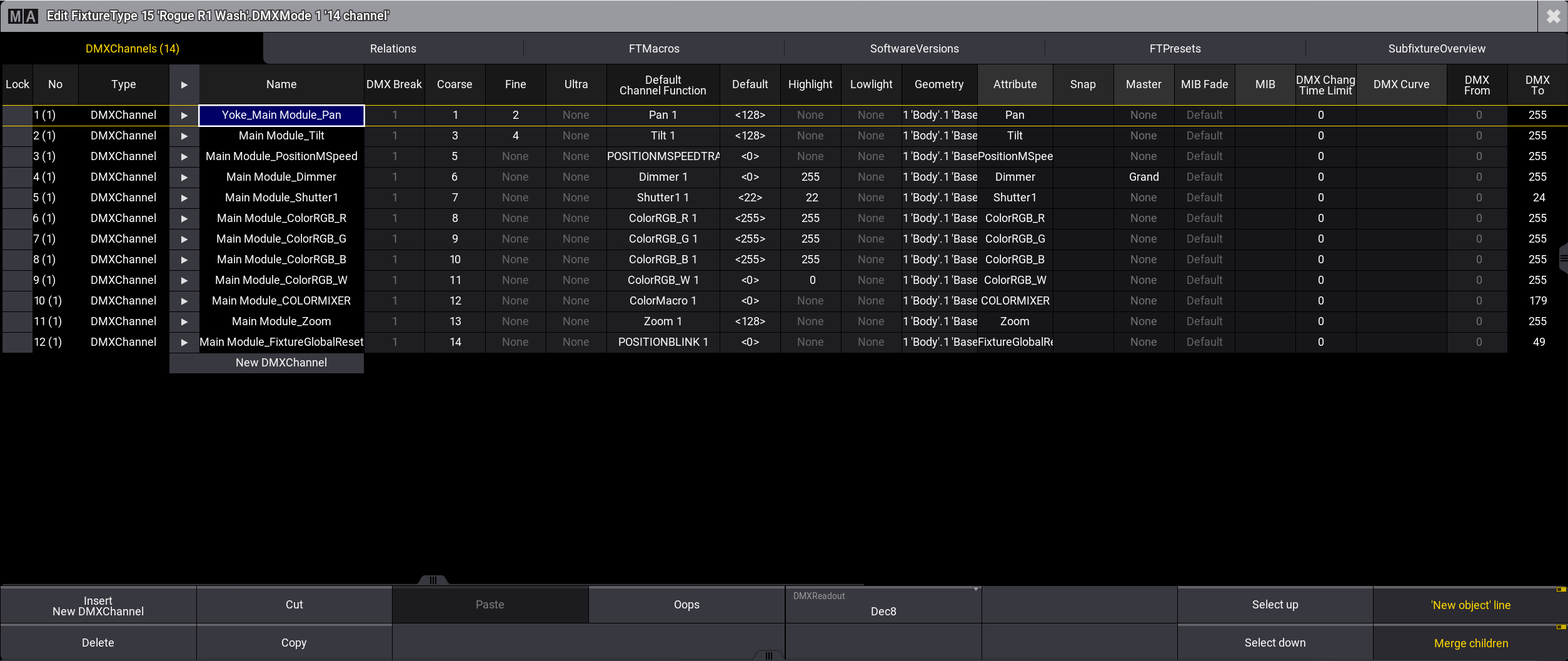
The DMX footprint for the selected fixture type is displayed in brackets in the DMXChannels tab.
When you are done with the modifications, close the window. Changes will be saved when you exit the patch menu.
The following topics will guide you on how to build a new fixture type.