|
grandMA3 User Manual » Operate Fixtures » Encoder Resolution
|
Version 2.3
|
Sometimes, precise handling is required, and you may want to change the resolution of an encoder.
The default encoder resolution of attributes can be defined from the user configuration menu:
- Press Menu, tap Settings, and tap User Configuration. The user configuration menu opens.
- On the left side of the window, tap Profiles.
- Tap Edit Encoder Bar. The Default User Attribute Preferences menu opens:
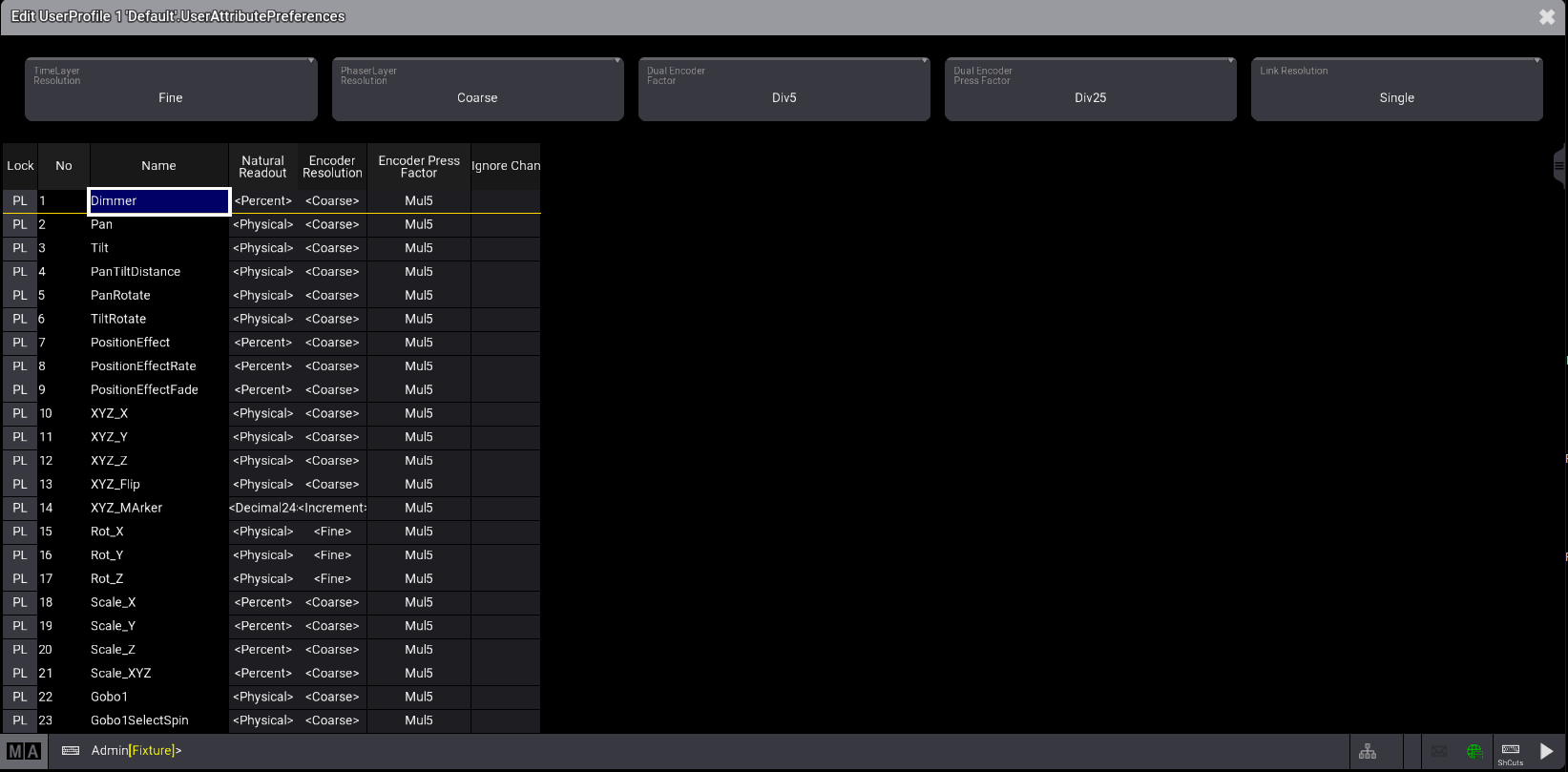
It is also possible to change the encoder resolution directly on an encoder. For more information, see Encoder Bar.
To do so:
- Press and hold MA, this will display the possible resolutions in the channel function area of each encoder.
- The resolution can be changed for a single feature or a feature group. To toggle between the two options, hold MA and tap Link Resolution. Then, tap the resolution area of an encoder; the encoder's selected resolution will change to the next resolution. Read about in Feature Group and Attribute Definitions.
- When the desired resolution is selected, release MA.

Encoder bar attribute resolution

|
Hint: |
|
- For one rotation, an encoder has 24 clicks. |
The possible resolutions are:
-
Coarse: One encoder turn click will change the value depending on the readout:
- Percent: 1
- PercentFine: 1
-
Physical: (MaxValue-MinValue)/ (24*5)
When multiple fixture types are selected, the smallest physical range of a fixture is taken to determine the size of one click. This allows the same value to change when, for example, turning the tilt encoder. - Dec8: 255/(24*5), therefore 1 click equals 2.125
- Dec16: 65 535/(24*5), therefore 1 click equals 546.125
- Dec24: 1 677 216/(24*5), therefore 1 click equals 13 976.8
- Hex8: 255 (=FF)/(24*5), therefore 1 click equals 2.125
- Hex16: 65 535 (FFFF)/(24*5), therefore 1 click equals 546.125
- Hex24: 1 677 216 (=FFFFFF)/(24*5), therefore 1 click equals 13 976.
- Fine: Fine has a 10x finer resolution than coarse.
- Increment: When the resolution is set to Increment, one encoder turn click will change the lowest digit of the displayed readout.
- Native: The value Layers absolute and relative offer this mode to directly access the smallest possible value change of the parameter resolution.
|
|
Hint: |
|
When Native mode is selected, if a dimmer channel is based on 8/16/24 bit, one encoder turn always results in a one-digit change in DMX output.
|
An encoder displays the current resolution in the center of the encoder symbol within the encoder bar:
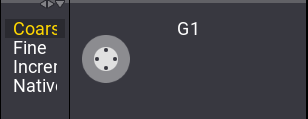
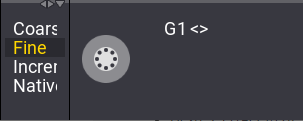
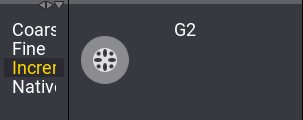
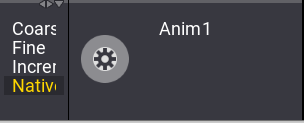
Furthermore, the factors of value change between turning the inner encoder and all other encoder actions can be defined. See User Settings for more information.
All factors can be selected from a list of predefined factors:
| Predefined Factors | Background Used Factors |
|---|---|
| Div50 | 0.02 |
| Div25 | 0.04 |
| Div10 | 0.1 |
| Div5 | 0.2 |
| Div2.55 | 0.39 |
| Div2 | 0.5 |
| One | 1 |
| Mul2 | 2 |
| Mul2.55 | 2.55 |
| Mul5 | 5 |
| Mul10 | 10 |
| Mul25 | 25 |
| Mul50 | 50 |
| Disable | 0 |