Connect DMX
|
grandMA3 User Manual » First Steps » Connect DMX
|
Version 2.3
|
You can connect DMX devices to the grandMA3 devices.
Depending on the type of the grandMA3 device there are up to eight DMX Out ports (for example, the grandMA3 8 port node) and one DMX In port (for example, the grandMA3 onPC command wing XT).
No matter which physical direction the connector has, it can be configured in the software and is therefore capable for both directions: in and out.
To adjust the DMX Remote settings, read the In and Out topic.
To configure the DMX ports (Off, Out, RDM, In), read the DMX Port Configuration topic.
- Connect the 5pin XLR DMX cable to a DMX connector on the console and a DMX device.
The DMX device is connected to the XLR connector.





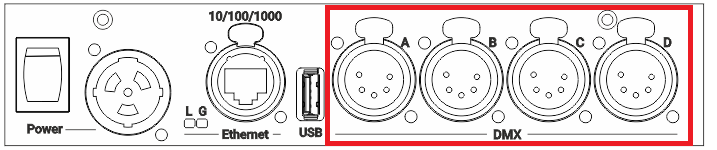
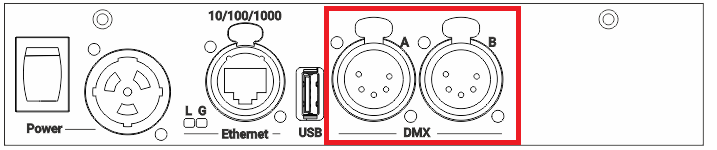
To view the pinout of the XLR connector, refer to the topic Connector Pin Assignment.