Ethernet DMX
|
grandMA3 User Manual » DMX In and Out » Ethernet DMX
|
Version 2.4 |
There are currently two supported protocols for sending and receiving DMX using the network: sACN and Art-Net.
The session master station outputs the network DMX. The visual feedback for sending or receiving network DMX can appear differently across stations in the session, so it should be viewed and adjusted on the master station to reflect the actual output/input status.
Both are set up and changed in the DMX Protocols menu:
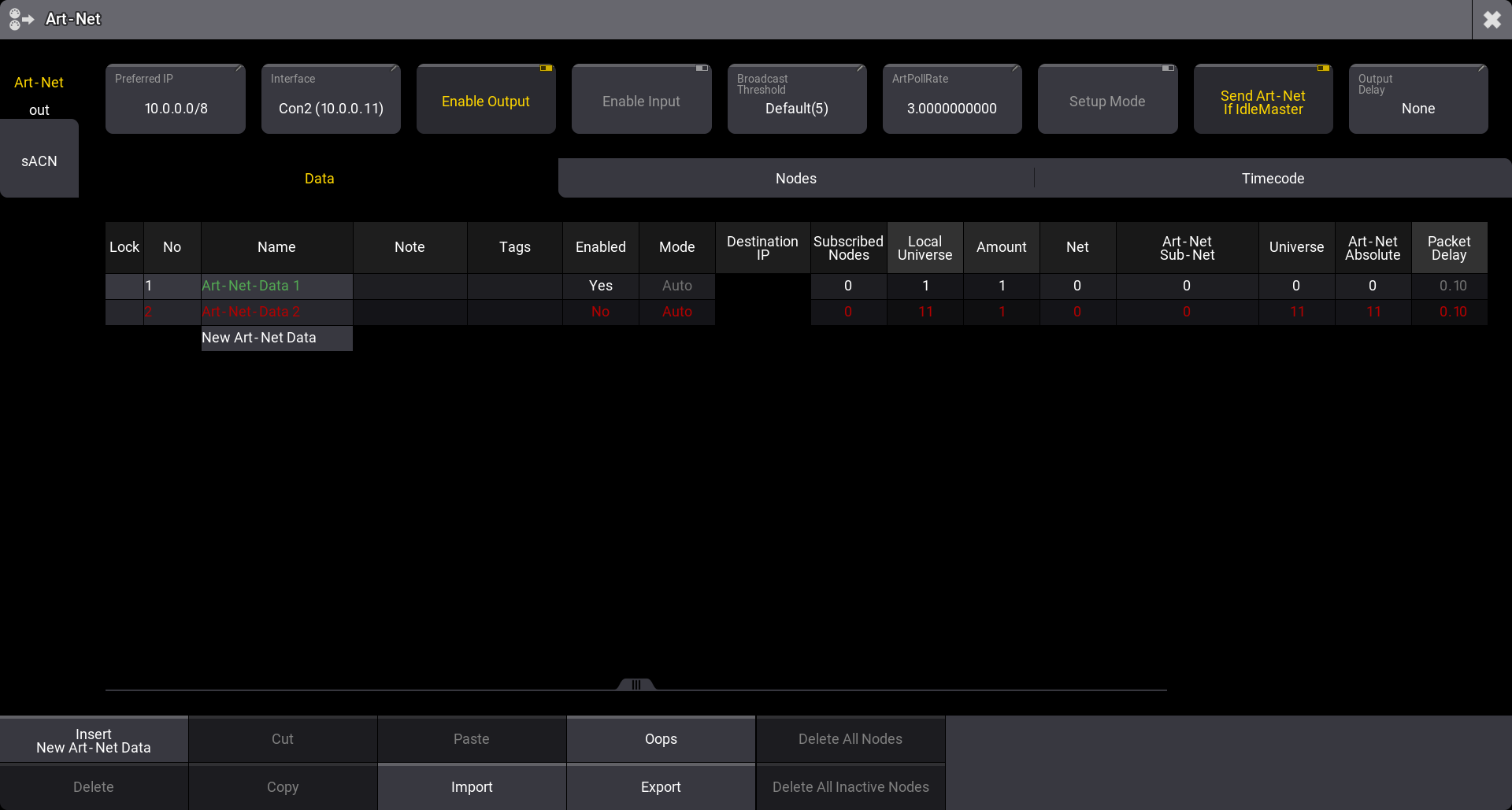
Access the menu by pressing Menu and then tap DMX Protocols.
Tapping the DMX Protocols button opens the menu for the first protocol. The example above is the Art-Net menu.
The menus can also be opened using the command line:
For Art-Net:

|
User name[Fixture]>Menu "ArtNet" |
 Paste to Command Line
For sACN:
|
|
User name[Fixture]>Menu "sACN" |
On the left side menu, there are two buttons, one for each menu.
See the subtopics for information about the two protocols.
Subtopics