|
grandMA3 User Manual » MAtricks and Shuffle » Shuffle
|
Version 2.4 |
Shuffle shuffles the selection order of the current fixture selection.
The shuffle function is described in more detail in the MAtricks and Shuffle topic.
This example uses the MAtricks window, the Selection Grid window, the Fixture Sheet window, the Group Pool, the Color Preset Pool, and the All 1 Preset Pool. It is helpful to have them visible on the screens.
This is an example of a shuffle on two axes.
The main setup comprises 20 fixtures and four global color presets (Red, Green, Blue, and Magenta).
- Select fixtures 101 thru 105 and tap the red color preset.
- Select fixtures 106 thru 110 and tap the green color preset.
- Select fixtures 111 thru 115 and tap the blue color preset.
- Select fixtures 116 thru 120 and tap the magenta color preset.
- Select fixtures 101 thru 120.
- Use the MAtricks tool to set XWidth to 5. This arranges the fixtures nicely in a 5 x 4 grid.
- Store a group with this grid arrangement.
- A 25% to 100% dimmer range is applied by pressing At 2 5 Thru 1 0 0 Please.
- Press Store and tap an empty All 1 preset pool object.
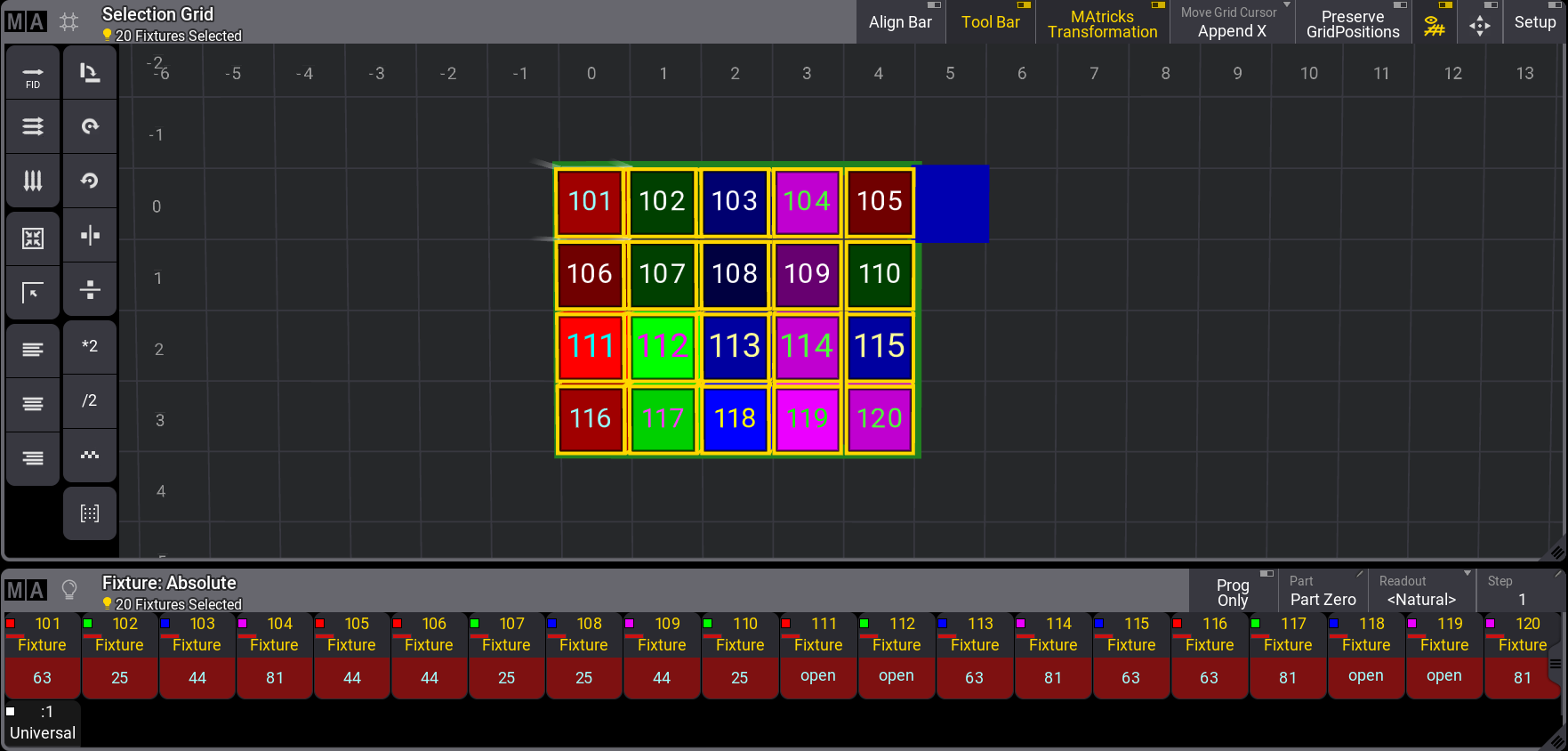
It looks like this:
Imagine how the fixtures are arranged in the real world. Then, this needs to be randomly applied in both the X and Y axes.
Tap Shuffle in the MAtricks tool until a desired pattern is achieved.
Notice in the fixture sheet that this does not change the actual output of the fixtures. It only changes how they are selected.
The values need to be reapplied to make the output look like a random selection.
To apply the dimmer, press At 2 5 Thru 1 0 0 Please.
The MAtricks Y value makes it easy to reapply the colors.
Tap + in the MAtricks Y, so the value is 1. Now, apply the red color preset. Tap + again to select the next row and apply the next color preset. Continue doing this for the last two rows.
Press Clear once and tap the group stored at point seven in the initial setup.
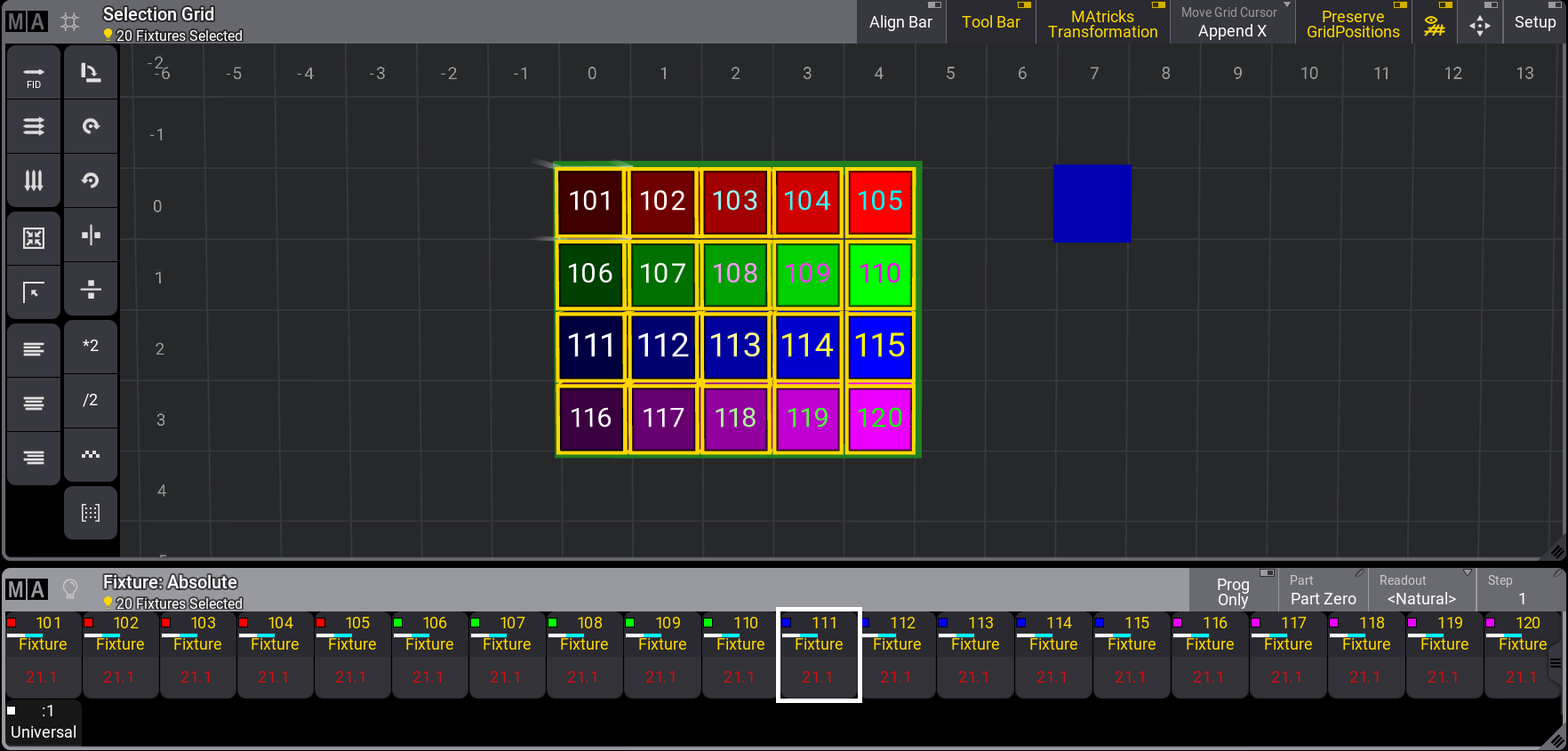
The result could look something like this: