|
grandMA3 User Manual » Operate Fixtures » Encoder Resolution
|
Version 2.4 |
Sometimes precise handling is required, and you may want to change an encoder's resolution.
The default encoder resolution of attributes can be defined from the user configuration menu:
- Press Menu, tap Settings, and tap User Configuration. The user configuration menu opens.
- On the left side of the window, tap Profiles.
- Select the Profile to be edited.
- Tap Edit Encoder Bar at the bottom of the window, and the User Attribute Preferences menu opens:
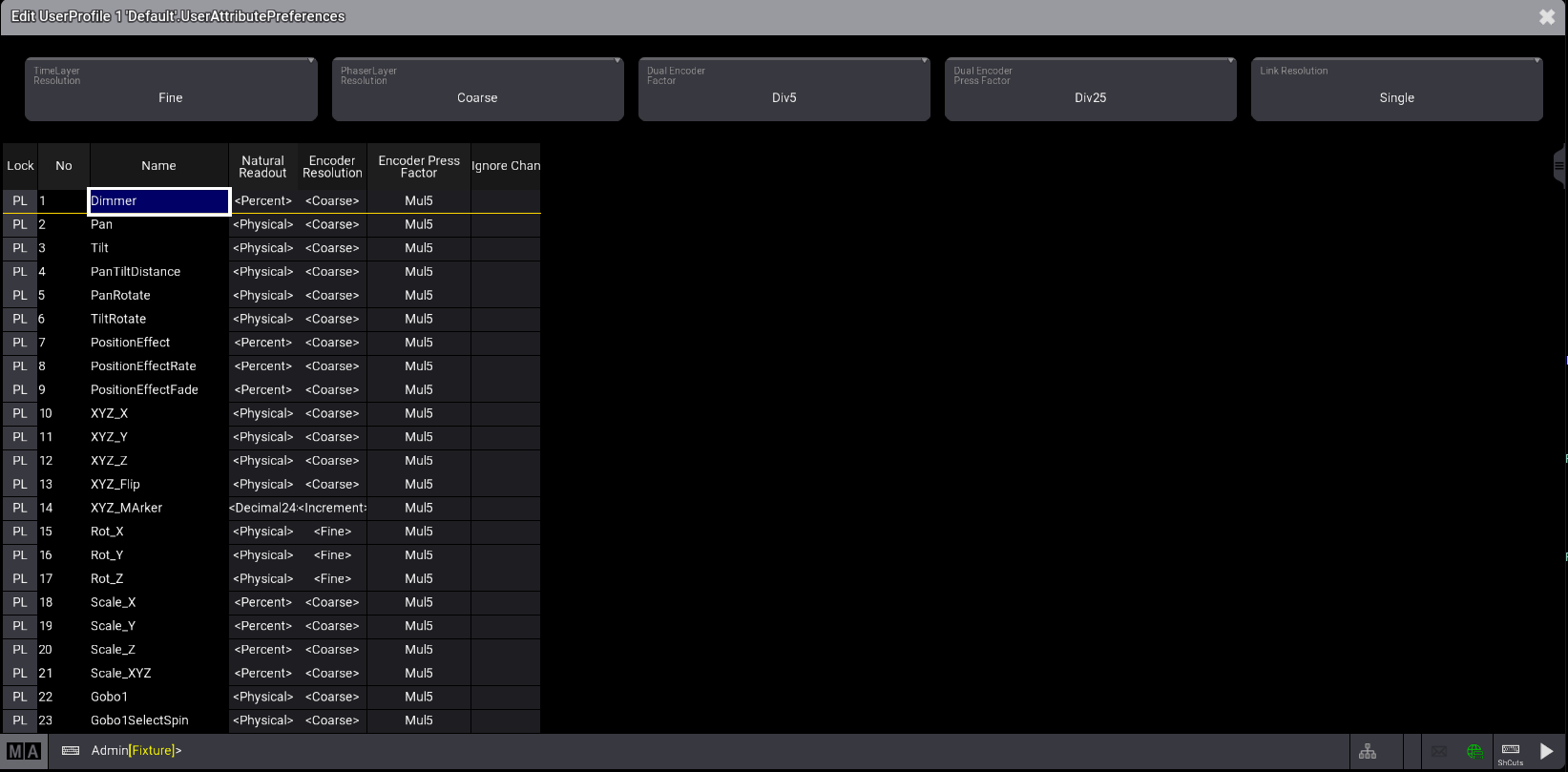
The encoder resolution can be changed directly on the encoder. For more information, see Encoder Bar.
To do so:
- Press and hold MA, this will display the possible resolutions in the channel function area of each encoder.
- The resolution can be changed for a single feature or a feature group. To toggle between the two options, hold MA and tap Link Resolution. Then tap the resolution area of an encoder; the encoder's selected resolution will change to the next resolution. Read about in Feature Group and Attribute Definitions.
- When the desired resolution is selected, release MA.

Encoder bar attribute resolution

|
Hint: |
|
- For one rotation, an encoder has 24 clicks. - 5 rotations of an encoder are needed to cross the whole range of the attribute from its minimum to maximum. |
The possible resolutions are:
-
Coarse: One encoder turn click will change the value depending on the readout:
- Percent: 1
- PercentFine: 1
-
Physical: (MaxValue-MinValue)/ (24*5)
When multiple fixture types are selected, the smallest physical range among them is used to determine the size of one click. This allows the same value to change when, for example, the tilt encoder is turned. - Dec8: 255/(24*5), therefore 1 click equals 2.125
- Dec16: 65 535/(24*5), therefore 1 click equals 546.125
- Dec24: 1 677 216/(24*5), therefore 1 click equals 13 976.8
- Hex8: 255 (=FF)/(24*5), therefore 1 click equals 2.125
- Hex16: 65 535 (FFFF)/(24*5), therefore 1 click equals 546.125
- Hex24: 1 677 216 (=FFFFFF)/(24*5), therefore 1 click equals 13 976.
- Fine: Fine has a 10x finer resolution than coarse.
- Increment: When the resolution is set to Increment, a single encoder turn click changes the lowest digit of the displayed readout.
- Native: The value Layers absolute and relative offer this mode, which directly accesses the smallest possible change in the parameter resolution.
|
|
Hint: |
|
When Native mode is selected, if a dimmer channel is based on 8/16/24 bit, one encoder turn always results in a one-digit change in DMX output.
|
An encoder displays the current resolution in the center of the encoder symbol within the encoder bar:
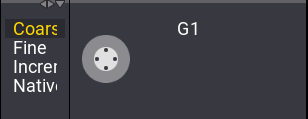
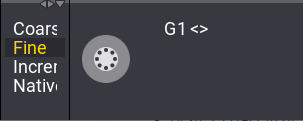
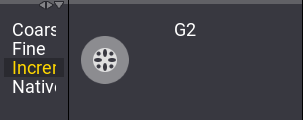
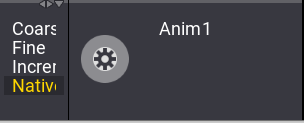
Furthermore, the factors of value change between turning the inner encoder and all other encoder actions can be defined. See User Settings for more information.
All factors can be selected from a list of predefined factors:
| Predefined Factors | Background Used Factors |
|---|---|
| Div50 | 0.02 |
| Div25 | 0.04 |
| Div10 | 0.1 |
| Div5 | 0.2 |
| Div2.55 | 0.39 |
| Div2 | 0.5 |
| One | 1 |
| Mul2 | 2 |
| Mul2.55 | 2.55 |
| Mul5 | 5 |
| Mul10 | 10 |
| Mul25 | 25 |
| Mul50 | 50 |
| Disable | 0 |