grandMA3 User Manual Publication
DC Remotes
|
grandMA3 User Manual » Remote In and Out » DC Remotes
|
Version 2.4 |
The DC Remotes tab is used to configure the DC Remote Control input on the rear panel of the console, command wing, or I/O node.
To learn more about the hardware part of the input, read the Connect DC Remote In topic.
Example
To set the DC start signal:
- Press Menu and tap Connector Configuration. The Connector Configuration menu opens:
-Or-
- Use the command line to open the menu:
 |
User name[Fixture]>Menu "ConnectorConfig" |
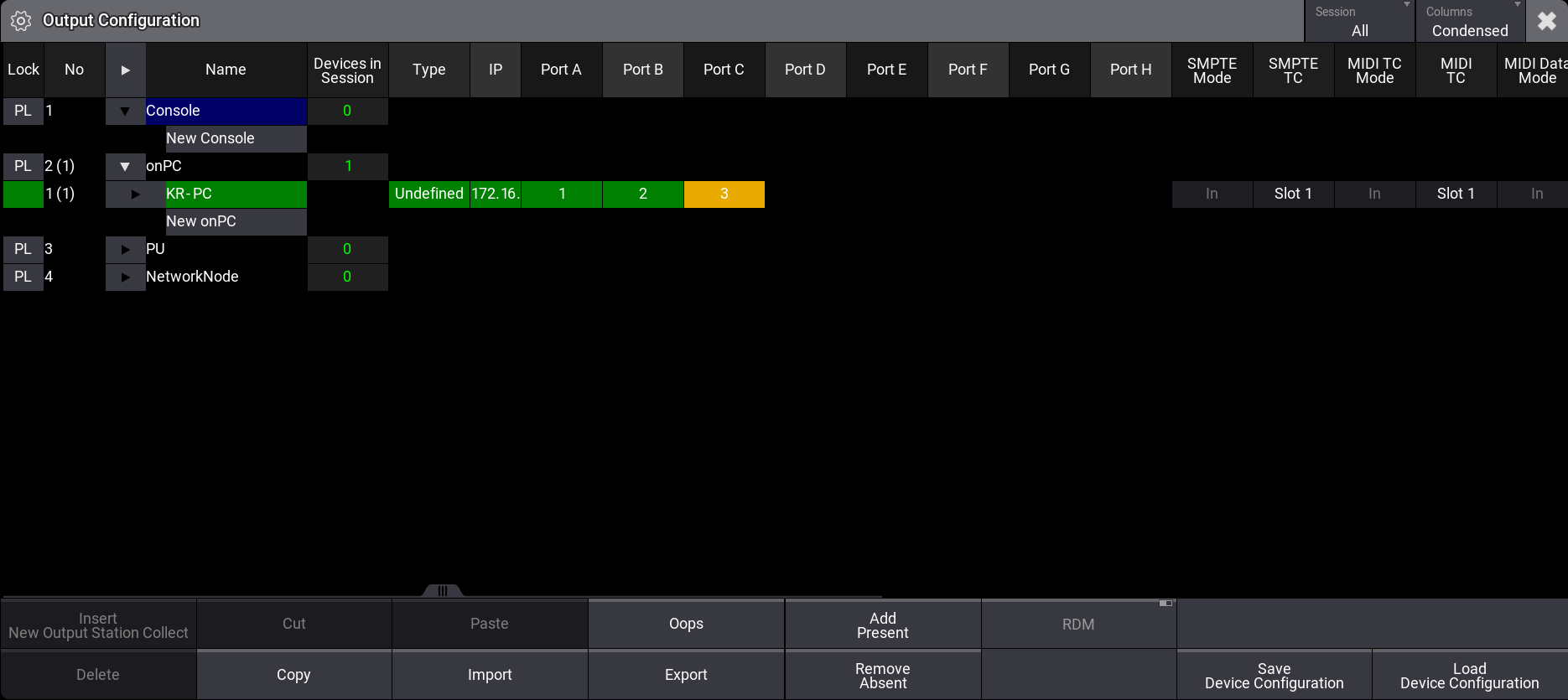
- Right-click or tab and hold the corresponding configuration line below DC Start. The DC Start editor opens.
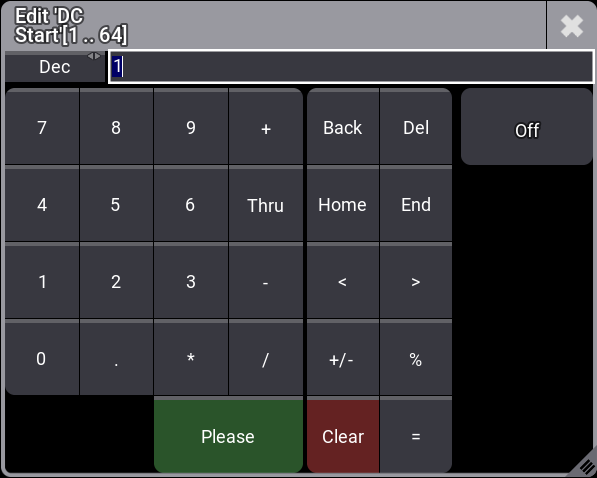
- Set the DC Start value, then tap Please. The start signal is set.
 |
Hint: |
| The Signal value in the In & Out menu corresponds with the DC Start value in Connector Configuration. |
| Hint: |
|
To learn more about the general DC Remotes settings, read the Remote In and Out topic.