System Monitor
|
grandMA3 User Manual » System » System Monitor
|
Version 2.4 |
The system monitor is a window that can be created like any other window using the Add Window pop-up.
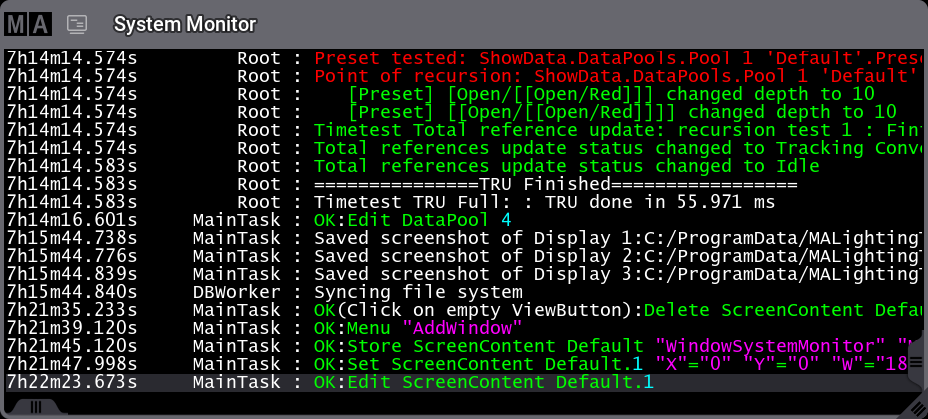
It shows what is happening at the station. This includes feedback on user commands. It is a log of the different things happening in the background. It also shows warnings, errors, and changes to the system.
It is a debugging window that can provide useful information if the system has any problems.
There are only two settings for the window.
-
Appearance:
This button opens a Select Appearance pop-up that lists all the defined appearances and the possibility of creating a new appearance. Selecting one will apply that appearance to the window. -
Font Size:
This selects the font size in the window. It is a swipe button that opens a list of sizes from 10 to 32. There is also a Default property. The default is the same as size 18.
The default background is black. The bottom line shows the latest update.
If the system monitor is scrolled up, the background turns red to indicate that it is not the latest data, and the auto-scrolling function that shows the latest info is inactive. Scroll back down to the bottom to reactivate the auto-scroll function.