It is only possible to connect fader wings to grandMA3 onPC systems. A maximum of two fader wings and a command wing can be connected.
Important:
Regardless of how many devices are connected to the grandMA3 onPC software, the maximum number of parameters is limited to 4 096. For more information, see Expand the Amount of Parameters.
Connect the grandMA3 onPC fader wing
Connect the grandMA3 onPC fader wing with:
command wing XT
PC
Laptop
Start the grandMA3 command wing XT, PC, or laptop.
Switch on the grandMA3 onPC fader wing.
Expanding the Number of Executors
To connect a grandMA3 onPC fader wing in combination with a grandMA3 onPC command wing to expand the number of executors, the wing configuration has to be changed:
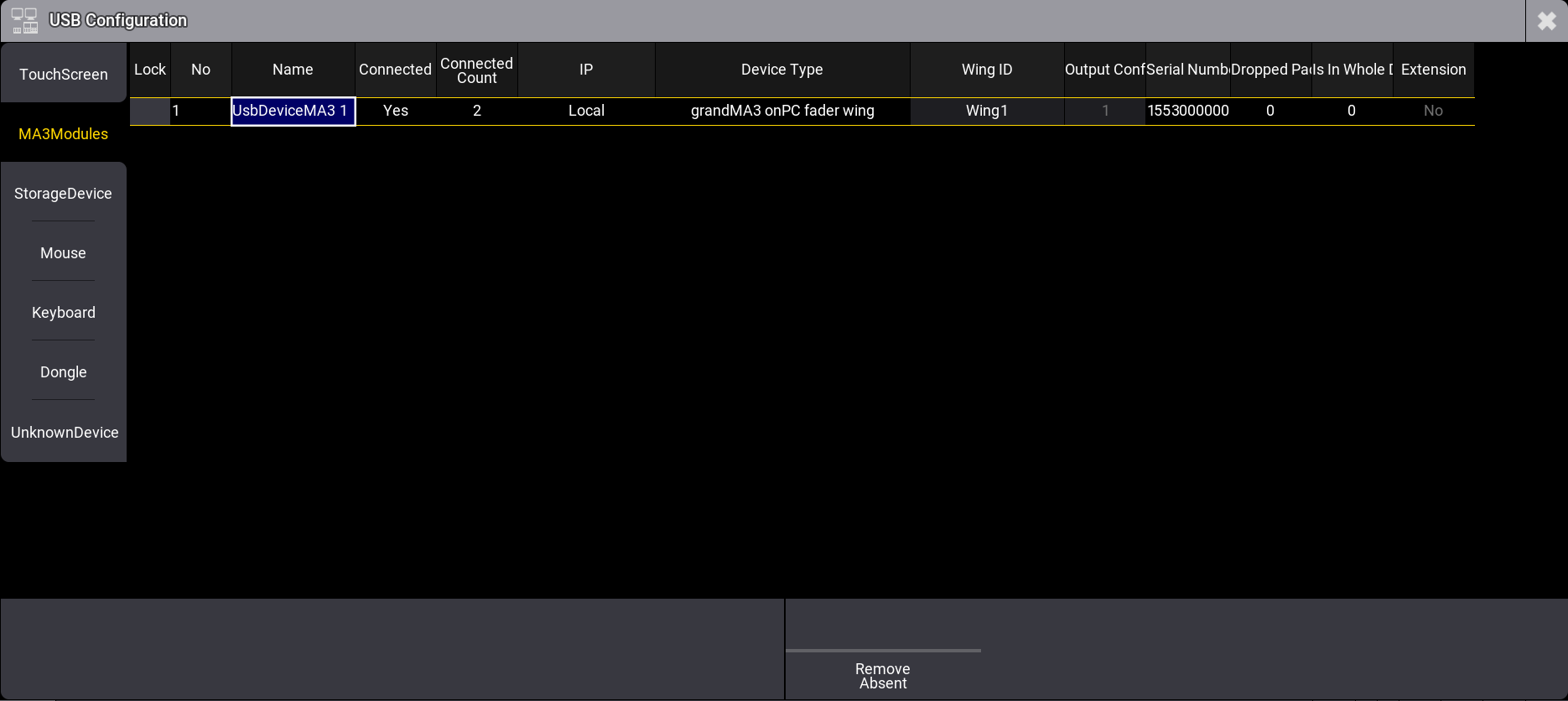
To check the USB setting, tap Settings, USB Configuration, MA3Modules.
USB Configuration setting
Adjust the Wing ID
To adjust the wing ID of the command wing, tap or right-click WingID. A pop-up window opens.