grandMA3 User Manual Publication
Local Settings
|
grandMA3 User Manual » Local Settings
|
Version 2.3
|

|
Hint: |
| The local settings menu is not available for the grandMA3 onPC software. Instead, there are onPC Local Settings. |
To open the local settings menu on a grandMA3 console:
- Press Menu - Settings - Local Settings. The local settings menu opens.
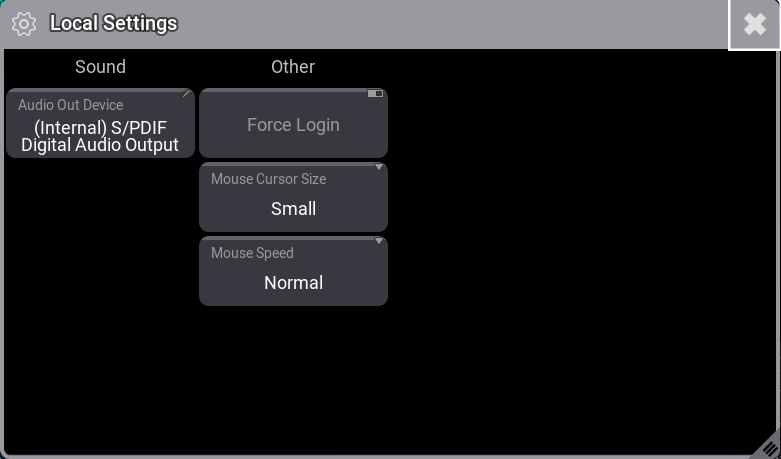
Sound
- Audio Out Device: Use the 1 finger swipe gesture to change the sound interface that should output sound.
Other
- Force Login: If enabled, a login pop-up is displayed when the console is started. For more information on how to generate passwords for users, see Create User.
- Mouse Cursor Size: Changes the size of the mouse cursor to Small, Medium, or Large.
- Mouse Speed: Changes the speed of the mouse cursor to Slow, Normal, or Fast.