Delete Groups
|
grandMA3 User Manual » Groups » Delete Groups
|
Version 2.4 |
Groups can be deleted.
If the group is used (referenced) somewhere, then a pop-up asks for confirmation.
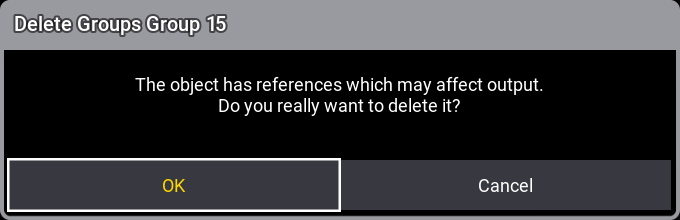
Tapping OK deletes the group. Tapping Cancel does not perform the deletion.
If the deleted group is used in a recipe, then the reference is deleted, and the recipe no longer contains a selection. Learn more about recipes in the Recipe topic.
If the group is assigned to an executor and used as a Group Master. Then the executor will be empty after deleting the group. Read more in the Group Master topic.
The deletion can be oopsed and then the references are back.
This is the general deletion syntax:
Delete Group ["Group_Name" or Group_Number]
There are several ways to delete a Group Pool object. Use one of the following.
-
Using the Delete keyword.
To delete group number 1, type:

|
User name[Fixture]>Delete Group 1 |
- Open the swipey command and select Delete.
Tap the video below to see the example.
- Press Delete and tap a pool object.
Tap the video below to see the example.