|
grandMA3 User Manual » Operate Fixtures » sMArt
|
Version 2.4 |
The sMArt window is a dynamic pool that gives quick access to fixture-defined channel sets. The channel sets are a part of the fixture types. Depending on the fixture selection and the selected attribute in the encoder bar, the pool objects in the sMArt window will change. Each pool object represents a channel set defined in the fixture profile. See also, Build Fixture Types, Create Presets from Fixture Types, and Store Presets to Fixture Types.
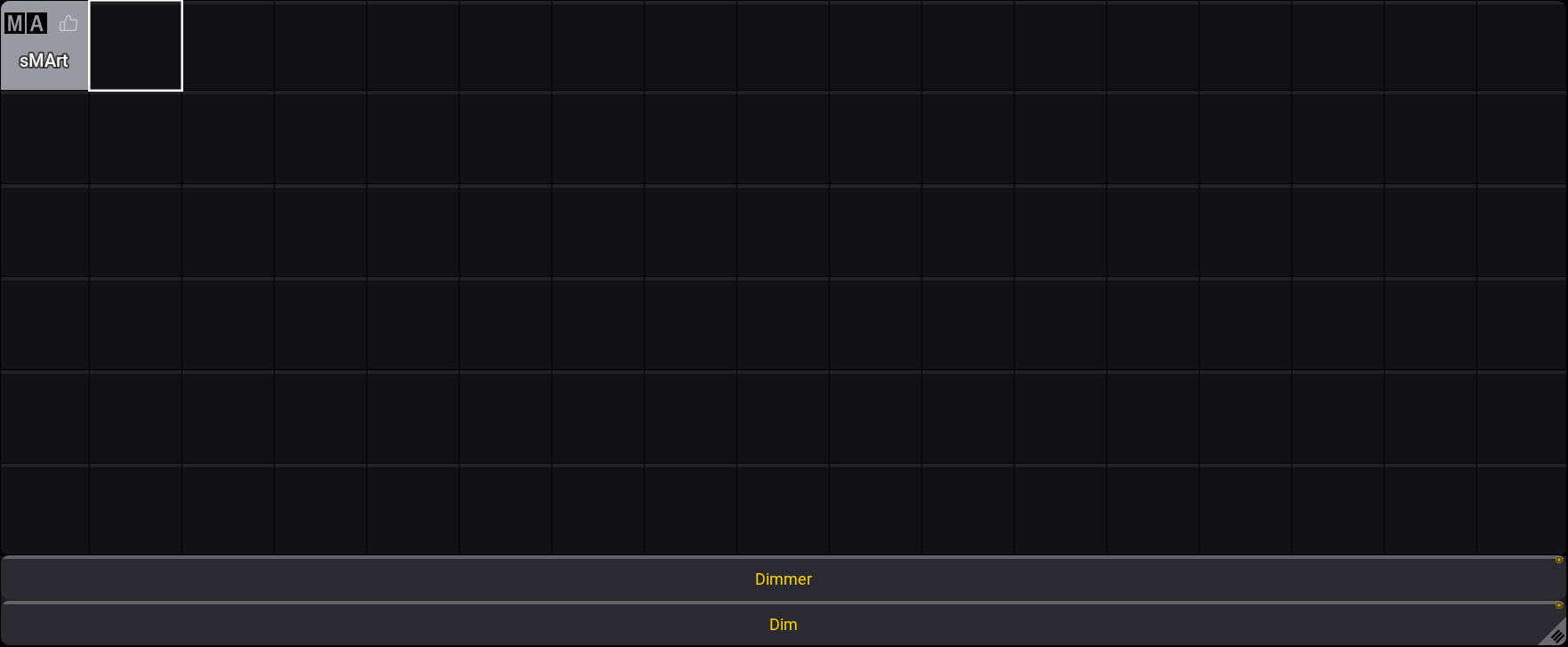
To open the window, use the Add Windows pop-up, tap Tools, then sMArt, and the window opens:
- Select some fixtures, and the sMArt window could look like this:
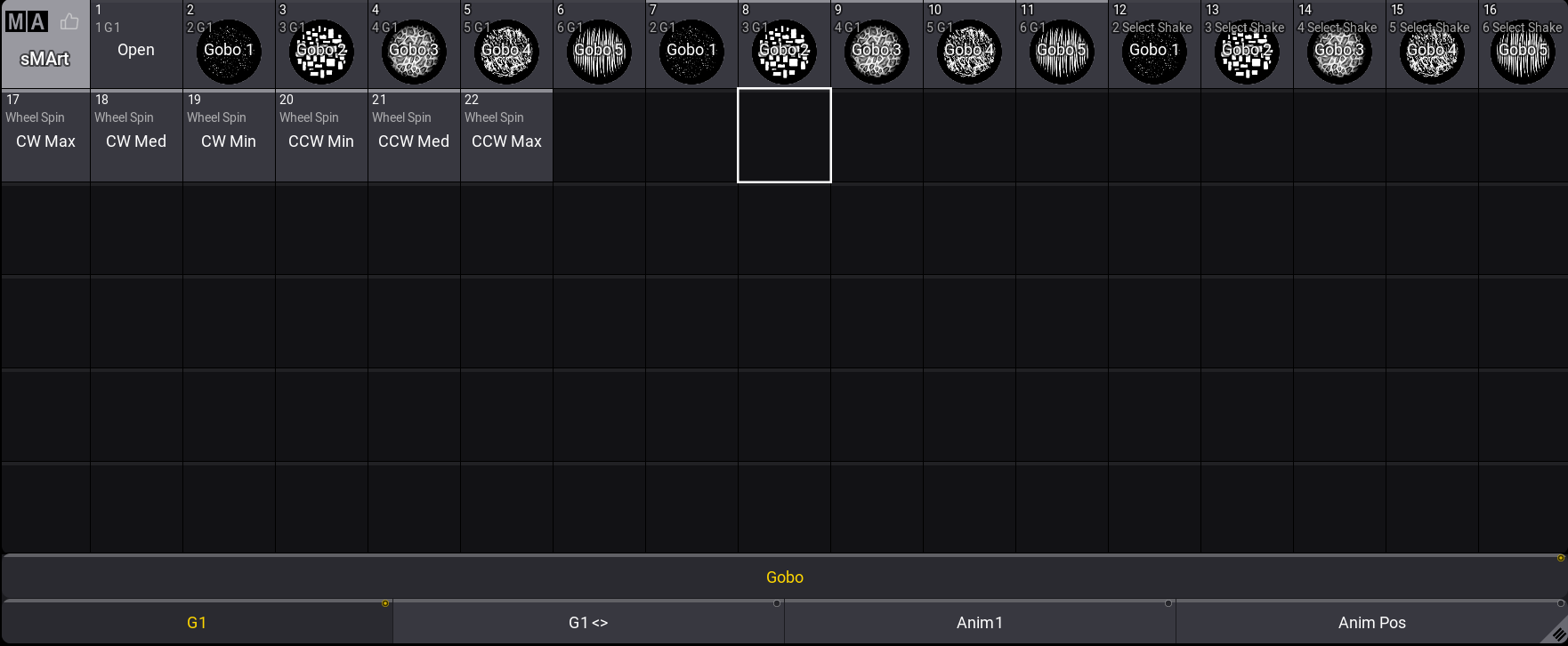
Tapping an object in the sMArt window will enter the corresponding value into the programmer.
The bottom of the sMArt window shows the attribute selection bar. This makes it easy to select the desired attribute in the currently selected feature group. The example above shows the Gobo feature group, the selected Gobo Wheel 1 (G1) attribute, and the other attributes for the Gobo feature group, G1<>, Anim 1, and Anim Pos.
Tap the MA logo in the top-left corner of the window to open the sMArt Window Settings. For more information, see the Pool Settings.
Edit sMArt Object
To edit the channel set values for a corresponding pool object:
- Select a fixture.
- Press Edit and tap a pool object or use the Swipey command. The Edit Fixture Type window opens:
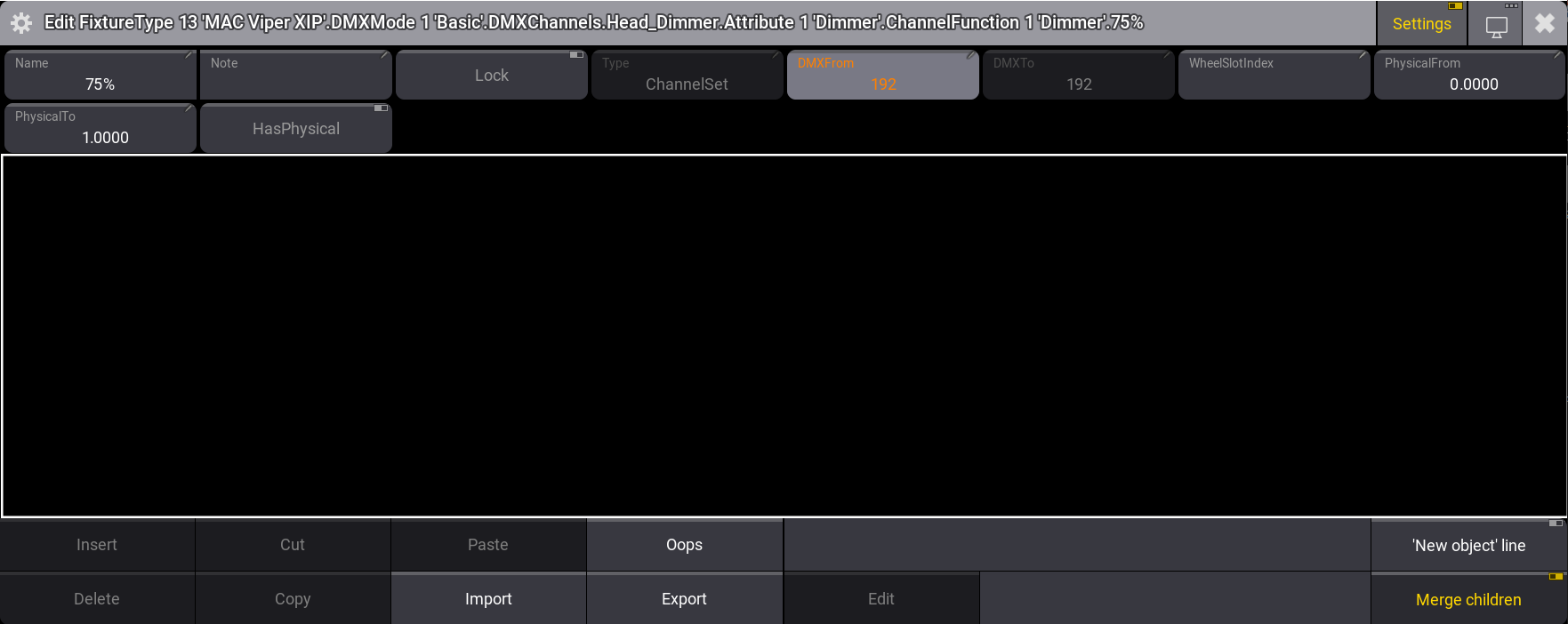
- Enable Settings in the title bar, then change the values. For more information, see Insert DMX Modes and DMX Channels.
- Tap
 to close the editor. The channel set values are changed.