User-Defined Area
|
grandMA3 User Manual » Workspace » User Interface » User-Defined Area
|
Version 2.4 |
The user-defined area is located on screens 1 through 7. It appears as a grid of small dots.

This is the area where windows can be added and arranged to be stored and recalled as views. For information on managing windows in the user-defined area and views, see Windows, Views, and Menus.
The Configure Display menu allows you to adjust the grid size within the user-defined area. It is possible to configure the grid of the user-defined area to a size larger or smaller than the available display space. For more information on the Configure Display menu, see Configuration of Displays.
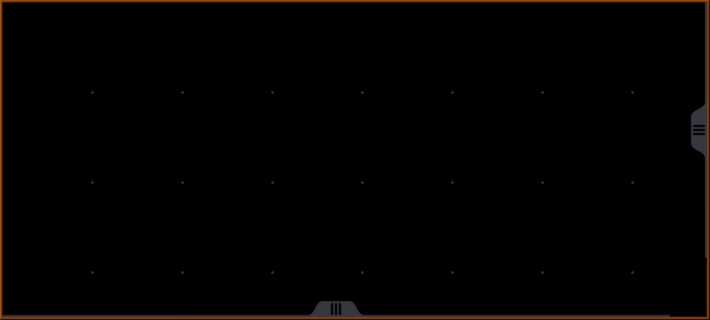
If the grid is larger than the available display space, a dark orange outline appears around the edge of the user-defined area. Horizontal and vertical scroll bars appear, allowing access to the full grid area. The 3 finger scroll gesture also scrolls the user-defined area within the visible portion of the display. For more information on gestures, see the Gestures topic.

If the grid is smaller than the available display space, a partially transparent gray area appears over the excess area. Any previously stored views that utilize this area will still be recalled as stored. The gray area allows interaction with the contents of the windows beneath it, but windows cannot be resized or created outside the user-defined area.