grandMA3 User Manual Publication
Build Fixture Types
|
grandMA3 User Manual » Fixture Types » Build Fixture Types
|
Version 2.3
|
grandMA3 allows building fixture types. Therefore, the grandMA3 software benefits from using a fixture-type editor. In this editor, it is possible to set up a custom-made fixture type using different inputs. For example:
- Wheels
- Physical Descriptions
- Models
- Geometries
- DMX Modes
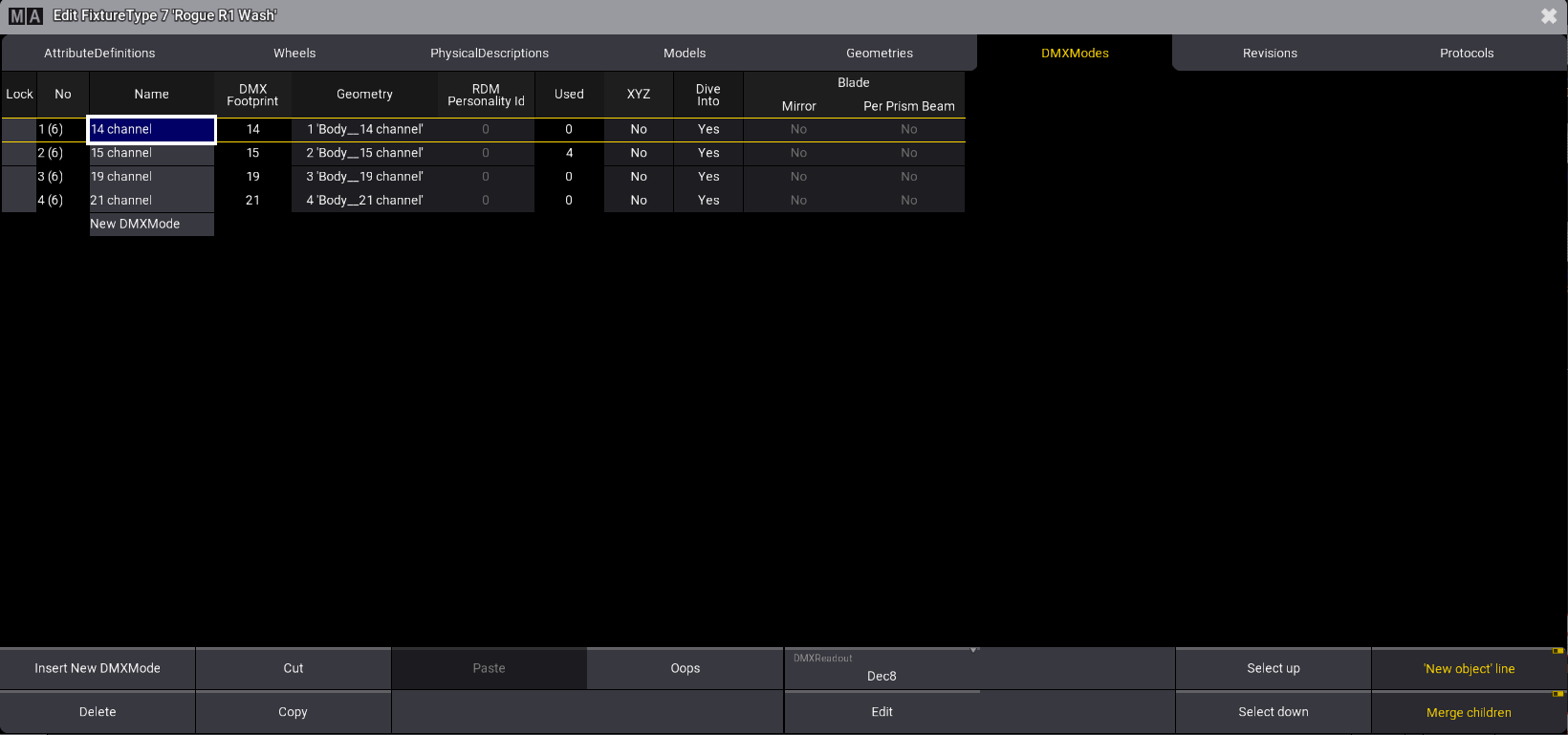
Fixture type editor showing DMX modes for the selected fixture type

The following topics demonstrate how to use the Fixture Type Editor and provide a simple example of what a standard fixture type can look like.

|
Important: |
|
Creating fixture types can be necessary to project real-life fixtures that have not been built yet.
|
|
|
Important: |
|
Instead of creating a new fixture type, it can be easier and faster to take an existing one and adjust only the differences!
|

|
Hint: |
|
It is also possible to build fixtures using the GDTF Builder and import them to grandMA3. For more information, see Import GDTF.
|