|
grandMA3 User Manual » Timecode Show
|
Version 2.4 |
Timecode shows can execute events and move faders to a timed recording or at specific points in time based on a running time counter. This running time counter can be an internal timecode from the session master or an external timecode source.
The timecode show is organized into Tracks inside a Track Group.
Timecode shows are stored in the Timecode pool.

To set the Timecode Pool Action, tap the MA logo. The Timecode Pool Settings Opens:
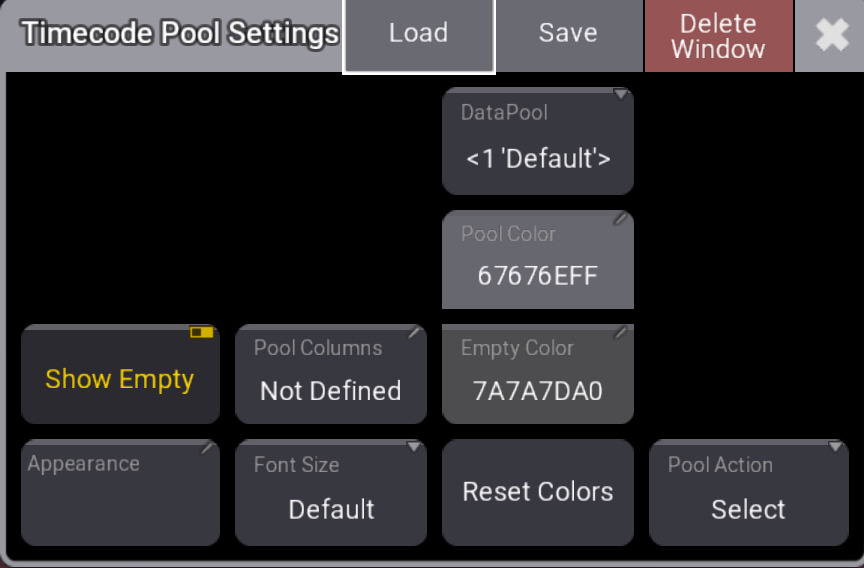
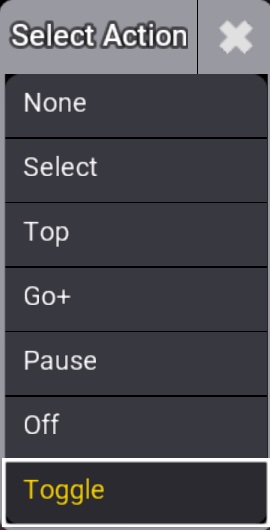
Tap and hold Pool Action and tap the desired action:
There is another connected pool called Timecode Slots. These can be used as the source for the running time counter. There are sixteen timecode slots. This is a fixed number of slots.

A slot can be connected to an SMPTE audio timecode, MIDI timecode, and Art-Net timecode input to allow an external source to control the running time. The slots can also generate a running time that can be used to run a timecode show. The Clock Viewer can show the time of a timecode slot. Learn more in the Timecode Slots topic.
Learn more in the Clock viewer topic.
icked.
The content of a timecode show can be seen in the Timecode Viewer.
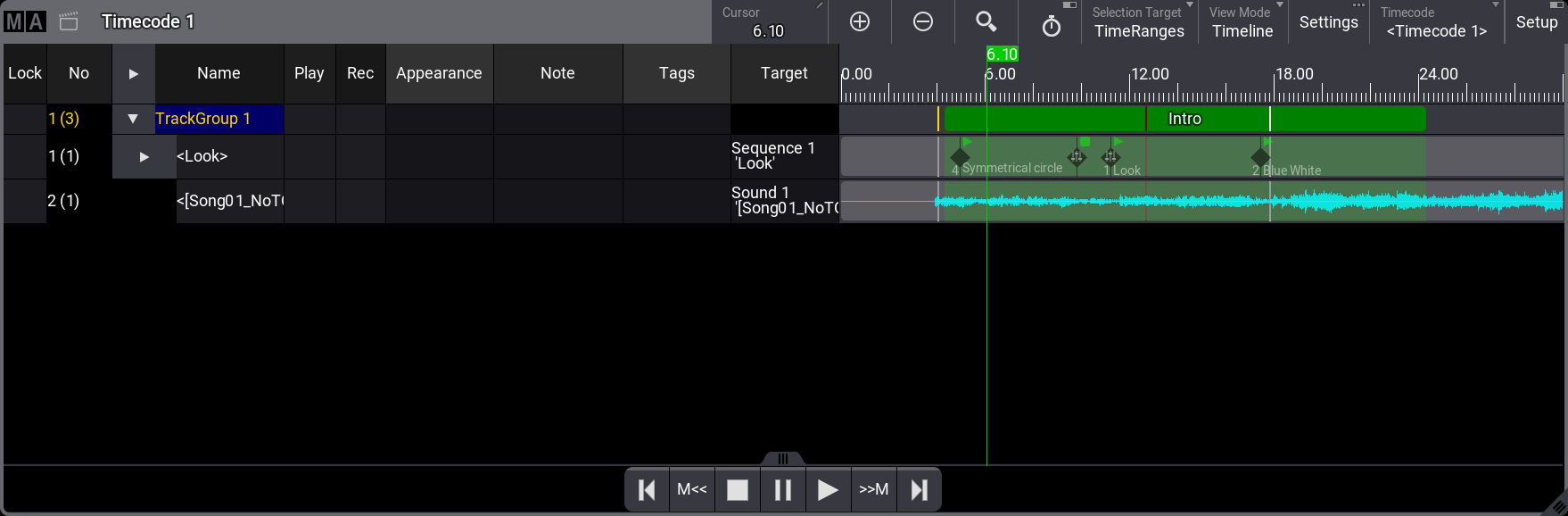
A good way to operate timecodes is to have a screen setup with a timecode pool, a timecode slots pool, and a timecode viewer opened:
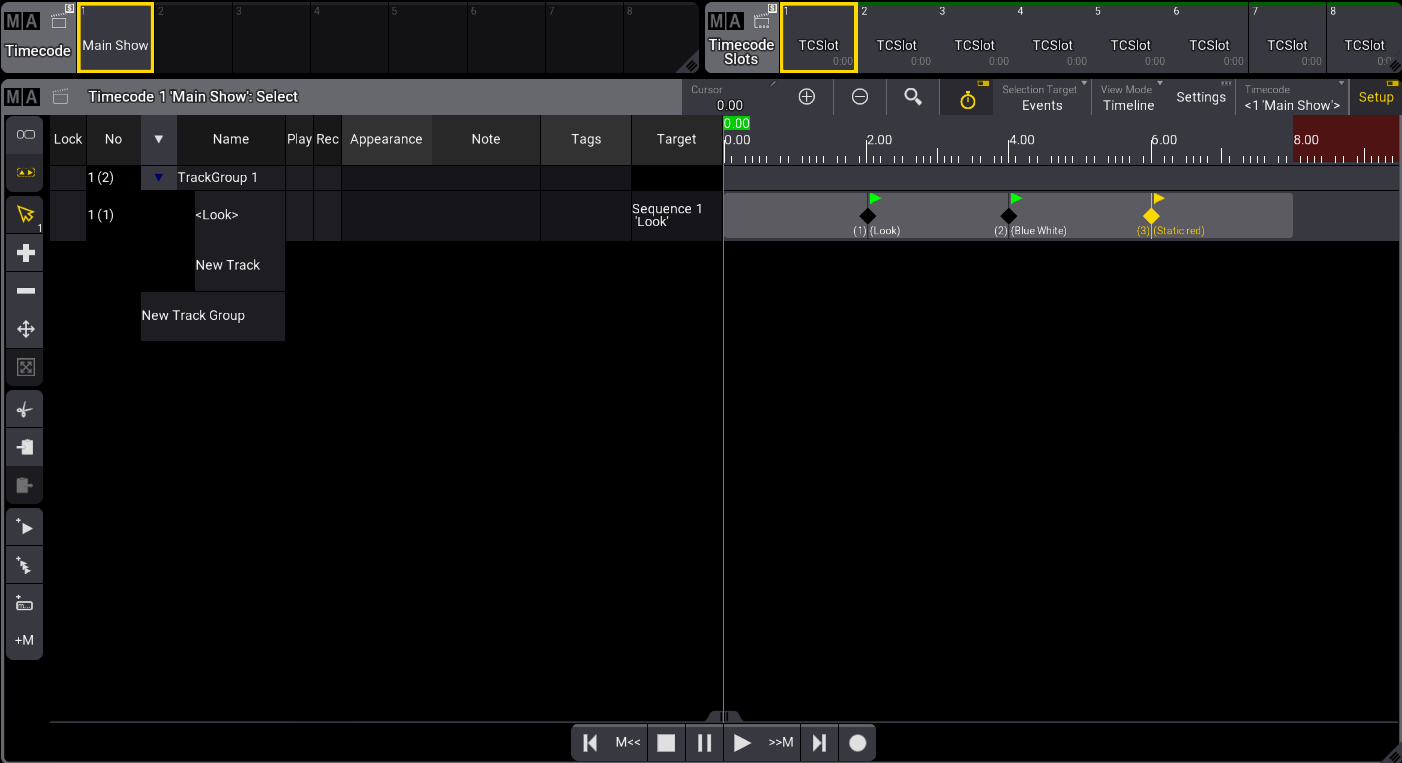
Timecode screen setup